Hedra Composer
A timeline video editor that runs entirely in the browser, built for editing with generative video. I built its rendering engine, along with waveforms, captions and a lot of the interaction polish.
- Hedra
- Collaborators: @David Lu, @Eliza Evans
At Hedra I spent a few months building the Composer, a timeline based video editor that runs entirely in the browser. Most editors assume all your footage already exists. Ours couldn't. Clips on the timeline might still be generating on a GPU somewhere, so the editor had to treat "this video doesn't exist yet" as a first class state rather than an error.
Generating on the Timeline
You can prompt for a new clip or extend an existing one directly on the timeline. A polling system tracks in-flight generations and swaps the placeholder clip for real frames the moment they land.
The Rendering Engine
I built the rendering engine that sits under the composer. The first version of the preview was a stack of DOM elements, which fell over quickly once compositions got interesting. The engine replaced it with three pieces: a coordinator that owns the playback state machine and keeps the audio and video clocks in agreement, a WebGL compositor built on PixiJS that handles frame rendering, caption overlays and scrub previews, and an audio controller that schedules buffers through the Web Audio API. Decoding runs on WebCodecs via mediabunny, so frames come off the hardware decoder instead of a hidden <video> element.
Export uses the same pipeline in reverse, the timeline encodes straight to an MP4 on the client. No render farm, your composition never leaves the browser until you ask it to.
The hardest bugs were the ones where audio and video disagreed about what time it was. Video audio originally streamed through async chunk iteration while audio clips played from pre-decoded buffers, two different clocks that drifted under load. Unifying everything onto pre-decoded AudioBuffers deleted a whole class of sync bugs and about half the audio code with it.
Keeping React Out of the Render Loop
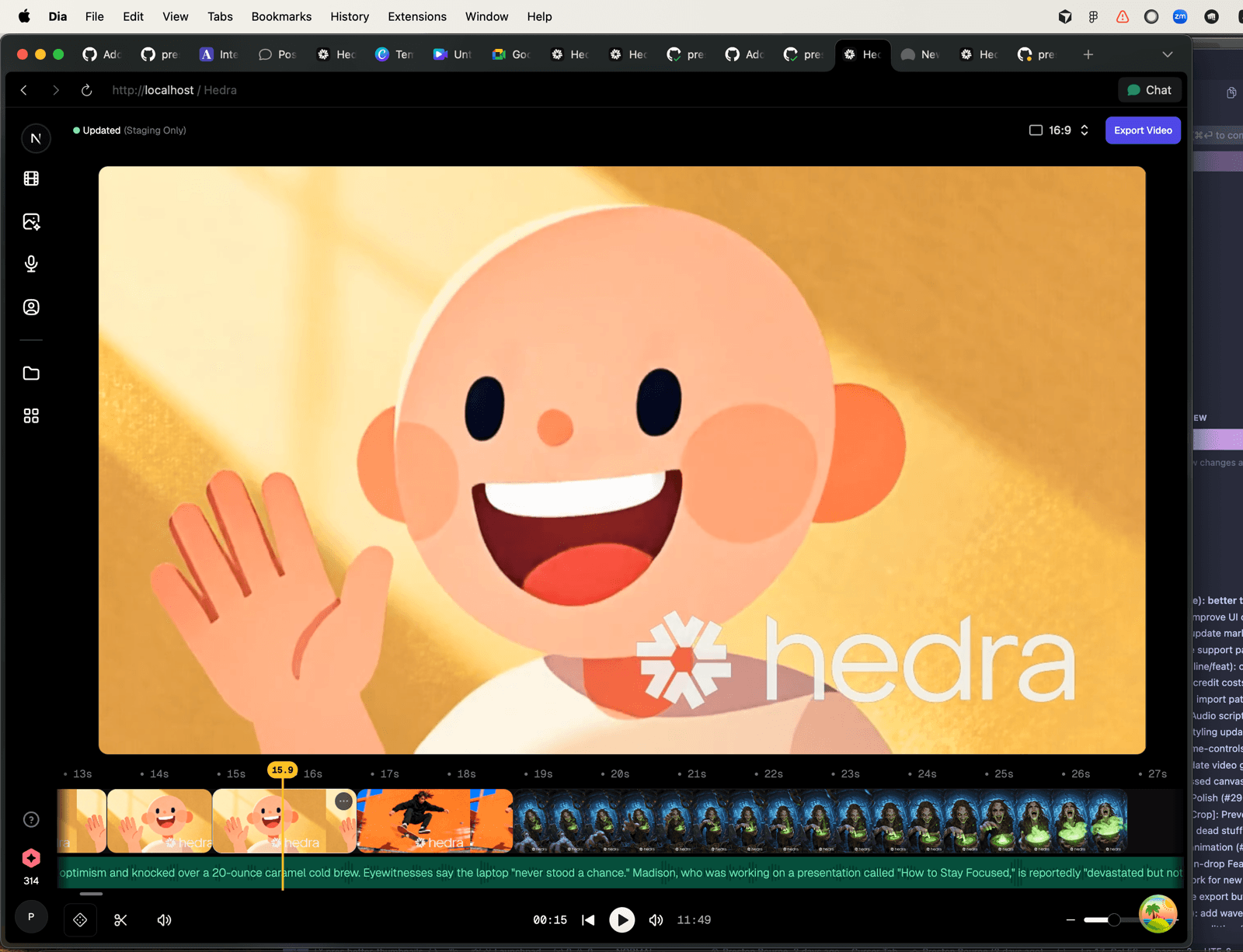
An engine living inside a React app really has two frame rates, the one the compositor runs at and the one React can survive. The engine renders the canvas at 60fps but publishes playback time to React at 30fps, and subscriptions are scoped so a moving playhead only re-renders the components that actually care.
Thumbnails got the same treatment, filmstrips render in a window around the visible viewport instead of materializing every thumbnail on the timeline, and a quality pass fixed their aspect ratios.
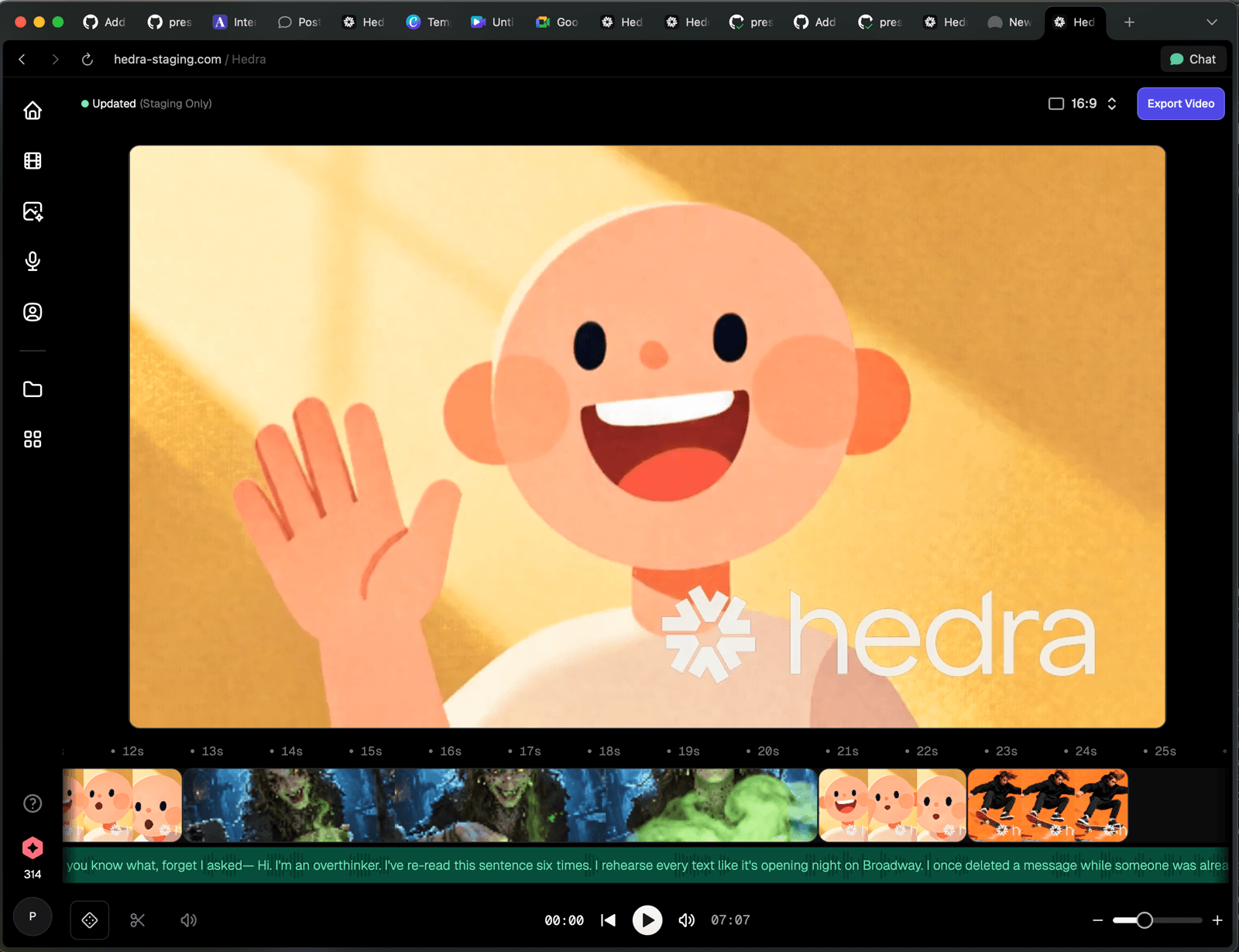
Waveforms
Waveforms were their own rabbit hole. The naive approach, one canvas per audio clip, breaks on long audio because browsers cap canvas dimensions. I ended up tiling each waveform across multiple canvases capped at 2048px, so a forty minute track renders at full quality at any zoom level.
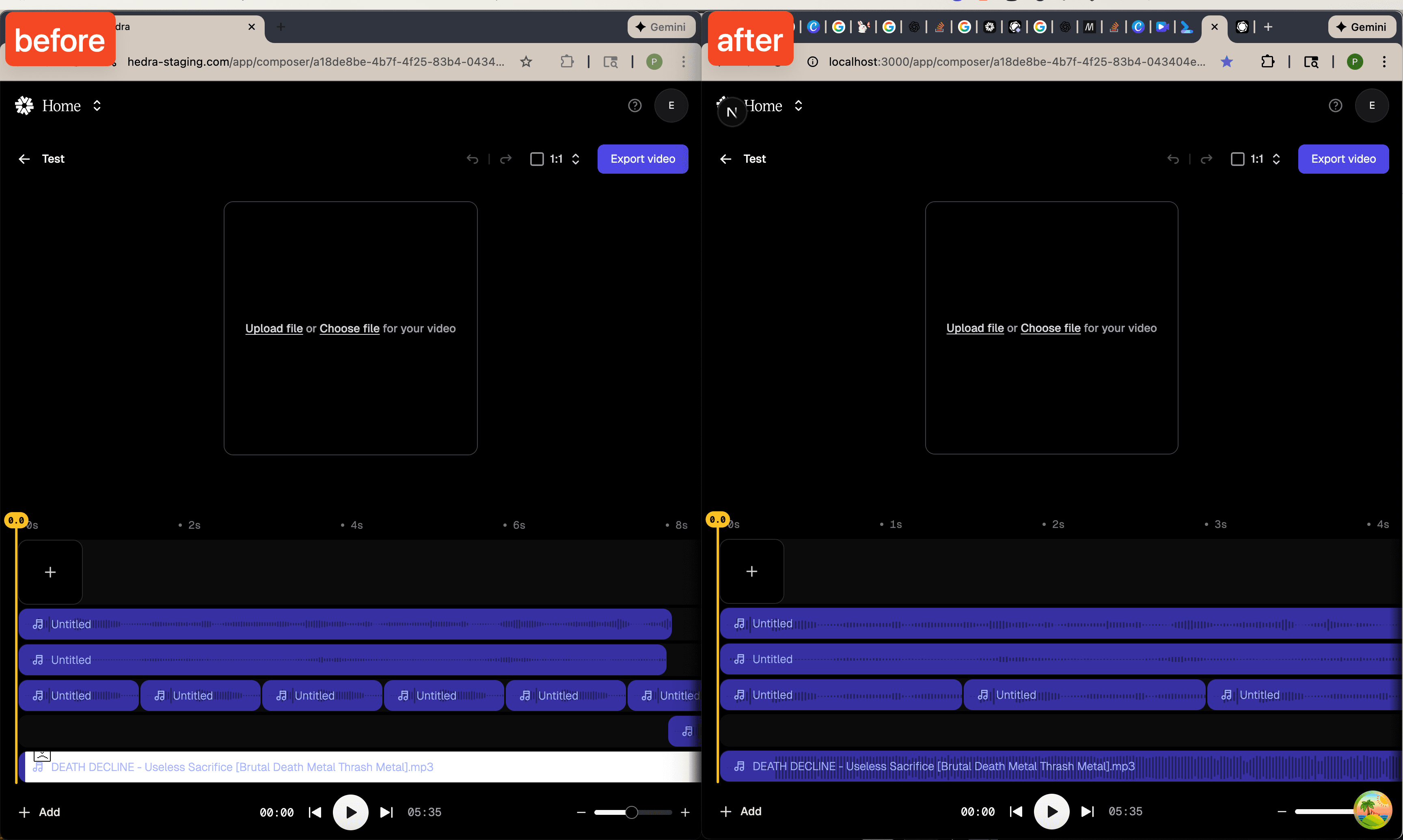
The waveform also scales with the clip's volume and crops with the clip's trim, small things, but they make the timeline feel honest.
Captions & Translations
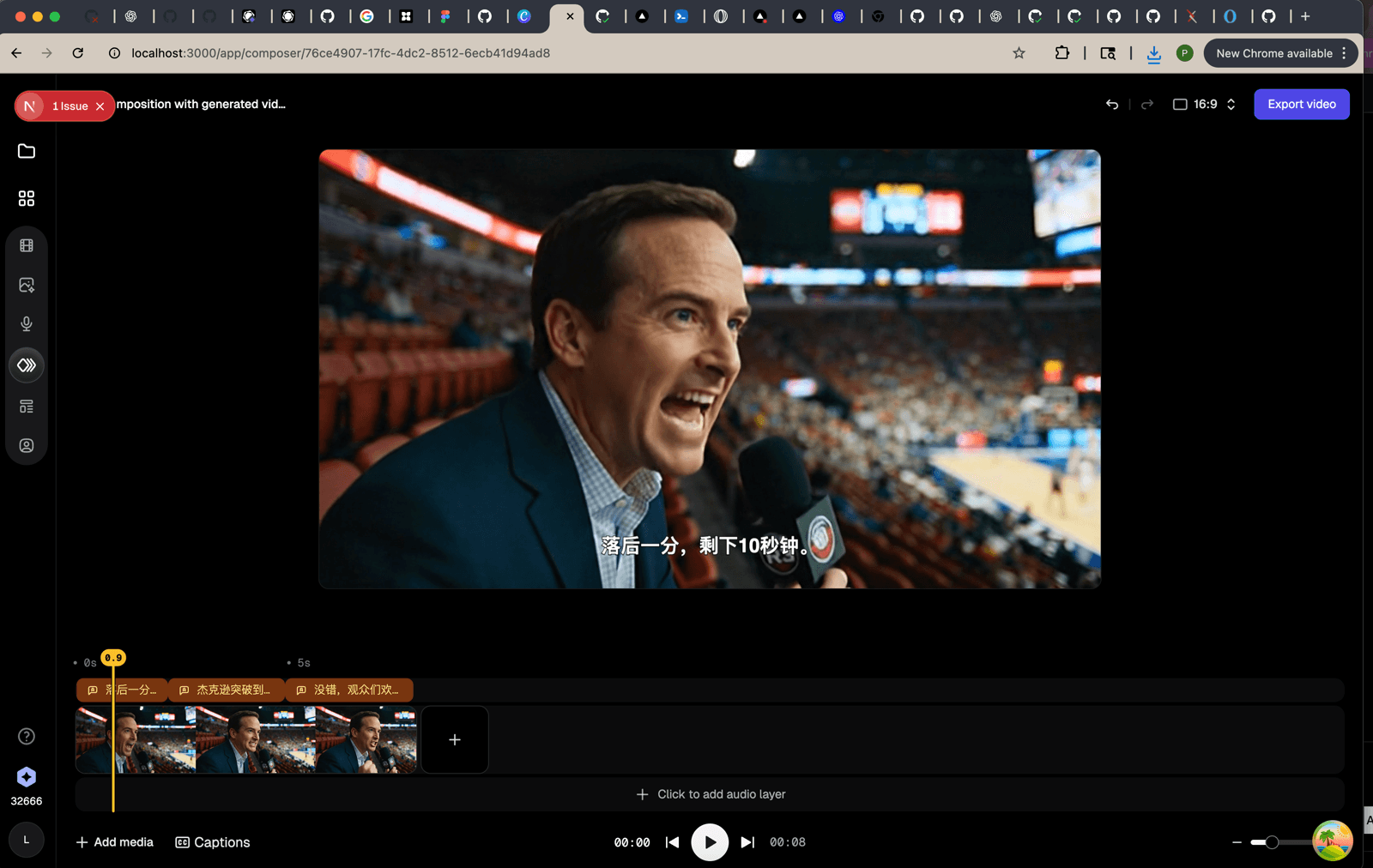
We transcribe the audio on the timeline and lay the result out as a dedicated caption track, each segment is a clip you can nudge like any other. From there translation was a natural extension, pick a language and the whole track re-renders.
The Little Things
A tool like this lives or dies on interaction details, and the team swarmed them. We built drag and drop uploads with proper audio drop placement, so dragging a file lands it exactly where you'd expect on the timeline. We also made scrubbing dramatically faster, added timeline autoscroll and recording audio directly onto a track.
The timeline also has full undo/redo, a tiny version control system with commit and patch semantics, so dragging a clip commits one snapshot instead of flooding history with every intermediate frame of the drag.
My favorite bucket of fixes was the unglamorous stuff: a context aware toolbar that follows your selection, click away to deselect, disabling Chrome's two finger history gesture over the timeline, and a small system to keep overlapping pointer events from fighting each other.
Conclusion & Learnings
Building an editor in the browser is mostly a fight against the platform's defaults, canvas limits, gesture conflicts, event ordering, two clocks that refuse to agree. The generative angle made it worth it though. There's something really fun about an editor where the footage shows up while you're already cutting it.